Friday, October 25, 2019

Excelerate SPANISH Review


Several of our kids are learning Spanish this year in programs and CoOp classes.  I was so excited to come across Excelerate SPANISH Streaming from Excelerate SPANISH to help teach our family a foreign language.  We were provided with a one-year streaming membership with access to both levels 1 and 2!  I do want to note that there are optional textbooks and workbooks available for this program but we only used the video streaming service.  Videos can be accessed from a desktop computer, laptop, tablet or even a phone.  We have been watching the lessons mostly from our computer and occasionally from our Ipad.  There are free online resources available on the Quizlet website like flashcards, games, quizzes, etc. for this program.  You can find them here.

This is a Spanish immersion program so you are off to the races beginning in the very first lesson.  I do want to state that English is used for clarity so you are not left guessing! This program is not meant to simply be a listening and repeating type program but more of an experience.  The video lessons use a recorded classroom style with kids participating in each prerecorded lesson.  Your kids are encouraged to participate at home.  Lessons incorporate vocabulary, hand gestures, storytelling and skits.  This program utilizes TPR, or Total Physical Response and TPRS, or Total Physical Response Storytelling.  Motions are assigned to all the words being learned and help students recall and retain what you are learning.  You will find yourself in a plethora of situations that are both practical and interesting.  You will also encounter a variety of scenarios like catching a taxi, attending a concert, playing soccer and more!

Above you can see that there are numerous lessons.

As I mentioned previously there are two levels in this program.  Both levels have 24 video lessons that are ~ 30-60 minutes long.  Lessons are taught by Caryn Hommel, a homeschool mom and author who earned her degree in Spanish Language and Literature from North Carolina State University.  Caryn taught Spanish in public schools for ten years and her experience with both TPR and TPRS led her to develop this brain-friendly approach to learning Spanish.

Caryn writes vocabulary words and definitions on the white board in each lesson.

The kids were a bit overwhelmed after our first lesson because we were taught advanced vocabulary from the get go.  However, I think the pace and expectation is becoming less daunting as we progress through the course.  Vocabulary is introduced with pronunciation as well as a definition.  Caryn writes the words and definitions on a white board for reference during each lesson.  Remember the TPR concept?  Unique gestures are given to vocabulary words to help students remember.  I appreciate that this program encourages students to listen and learn Spanish without pressure to say anything until they are ready, it's low stress.

Watching the lesson on the Ipad.

I like that the video lesson have all the tools and instruction needed.  I watch them right alongside the kiddos and find that I quite enjoy them.  I appreciate that all of us can watch the videos and participate together.  This program is recommended for ages 7-ish through adult so it works well for elementary, middle school and high school students.  It would work well for homeschool families, CoOp classes and even classrooms.  It addresses a plethora of learning styles as well.  If you are looking for a foreign language resource for Spanish, I recommend this one.  I'm looking forward to continuing the lessons with the kids throughout the school year.

Take a look inside this program in the video below.


And be sure to click on the banner below to visit the Homeschool Review Crew blog to read more reviews of Excelerate SPANISH.

Excelerate SPANISH help your students to learn FAST, naturally! (Streaming)  {Excelerate SPANISH Reviews}

You can engage with Excelerate SPANISH on social media @:


Crew Disclaimer 

Thursday, October 24, 2019

Smartick Review


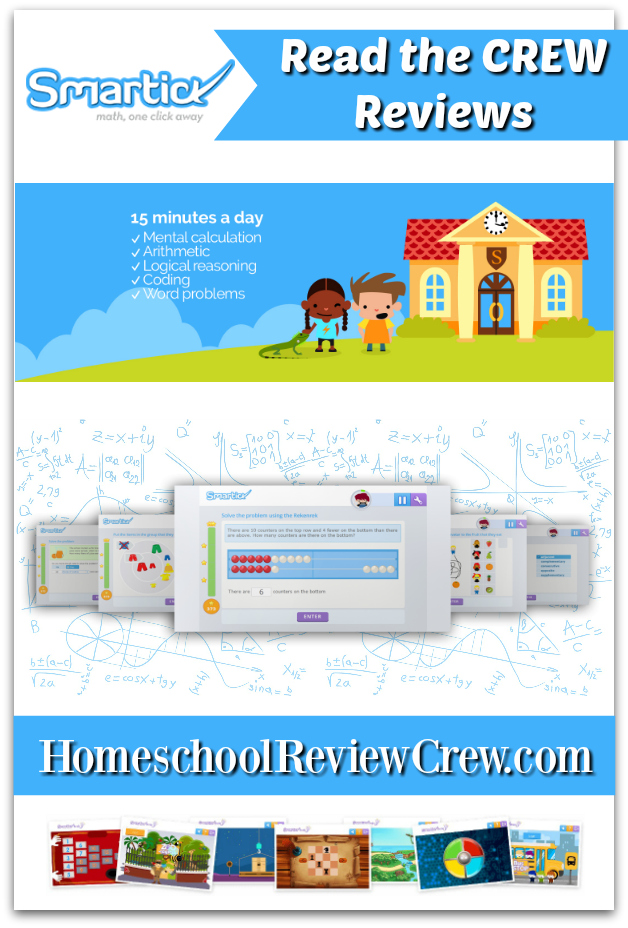
You guys know that we really enjoy math and fun math programs.  My kids were super excited to receive a 6 month online subscription to Smartick by Smartick.  Smartick is a math enrichment program that combines math, reading comprehension, logic and reasoning all into one!  Even though it is geared for children ages 4-14, I went ahead and set up an account for F-A (ages 5-15).  Smartick recommends just 15 minutes a day 4-5 times a week for best results with their program.  I do want to warn you, my kids like to spend much more than 15 minutes a day on Smartick, they love it so much.  Smartick can be used on a computer but my kids prefer using in on our Ipad.

Children learn at their own pace and individual needs.

Smartick doesn't just focus on a student's age and grade but adapts to how quickly a child learns, or their learning pace.  I'm not going to pretend to understand this but the Smartick methodology alternates math with logic and reasoning sessions and using their algorithm adjusts to the students needs - this is great for optimal learning.


 D's Homescreen and Virtual World

Let's go inside the program.  Each student can set up their account with their chosen avatar, hairstyle, clothing, etc.  Above you can see D with her dark hair and purple dress.  After completing their 15 minute daily session, students can do a plethora of things including purchasing items from the store (using ticks that they earn during their sessions), participate in competitions at the gym, and play a variety of different games to name a few.  The questions range in difficulty and topic depending on the progression of the student - remember, it adapts to them.

Here is an example of a question during one of D's sessions.

Here is a question during F's session.

F during a session

F completing a session.

D starting a session.

D working on a session

This session for B is going to be a logic session.

E starting her session.

E working on her session.

In this session, 10 ticks were earned.

If corrections are made accurately, students earn an extra tick.

After completing their 15 minute session, students are always given the opportunity to earn an extra tick by correcting all the problems that they missed.  I love this because it helps them see what they got wrong and they love getting the extra tick.

The Smartick Store

As I mentioned before, students earn ticks as they answer questions and progress through the program.  They have the option of spending those ticks in several ways.  One way is to purchase things at the store.  They can purchase clothing, accessories for your avatar, pets, food and items for your pets like a pet bed and you can purchase gifts and send them to your friends.  There are some items that are only available as gifts.  The kids like to buy gifts and send them to each other.

Here D is thinking about getting the butterfly costume.  She can try it on her avatar before deciding if she wants to purchase it.


C's Homescreen, he loves his house with a pool.  You can see above that the various houses range in price.

 Here you can see inside C's house with a pool. You can see he has a pet dragon.


Here you can see inside E's house and all the pets she has acquired.


Here is F's Homescreen with the nighttime background (there are several background options to chose from).  You can see his avatar near the wishing well. 

Inside the wishing well you can spend a tick to make a wish.  You will get a response or answer to your wish, usually within the next day or so.  Above you can see E asking for help with her math and then asking for the snake to not be sold out.

 D's Homescreen Again, you can see the game console in the center of the screen.  There are lots of games that you can choose to play.

 Here you can see some of the game options available.  There are four different categories - memory, reasoning, attention and flexibility.

 Here you can see inside a memory card game.

And here is an online version of the classic game Simon.

 Inside D's treehouse you can see that she is friends with C.

 In the gym, you can participate in math competitions with other students.  You can choose your theme - multiplication, division, etc.


Currently D is in the top 3% in competitions.

Smartick is not parent-intensive but there is a parent section that allows parents to monitor usage and improvement.  You can also set up email notifications.  I really enjoy getting notifications that tell me how the kids are doing in their sessions.  I get the date, time and breakdown for each child's session.

Here is an example of a progress report that was emailed to me for F.  It tells me that he was outstanding at his session and breaks down the exercises into speed and accuracy.  It also sends you a reminder that your student should be performing the sessions on their own so that the course adjusts to their current level.

Here is an example of one of C's progress reports for a logic session.


Students also earn diplomas and certificates along the way.  Above you see one of E's diamond diploma.

All of my kids absolutely love this program.  They talk about it so much.  I have never heard them talk about a math program more than this one.  In fact, G is a bit jealous that he doesn't have a Smartick account.  He tells me that when he is older and he can chew gum and play Smartick he will be so happy.  If you are looking for a fun math and logic program for your child, this is definitely worth looking into.

Check out Smartick's short video below for more information.


Be sure to click on the banner below to visit the Homeschool Review Crew blog to read more reviews of Smartick.

Math Enrichment Program {Smartick Reviews}

You can engage with Smartick on social media @:


Crew Disclaimer 

Tuesday, October 22, 2019

Creating a Masterpiece Review


My children love art, especially drawing!  We were so blessed to receive a one-year subscription to the online Drawing Program from Creating a Masterpiece.

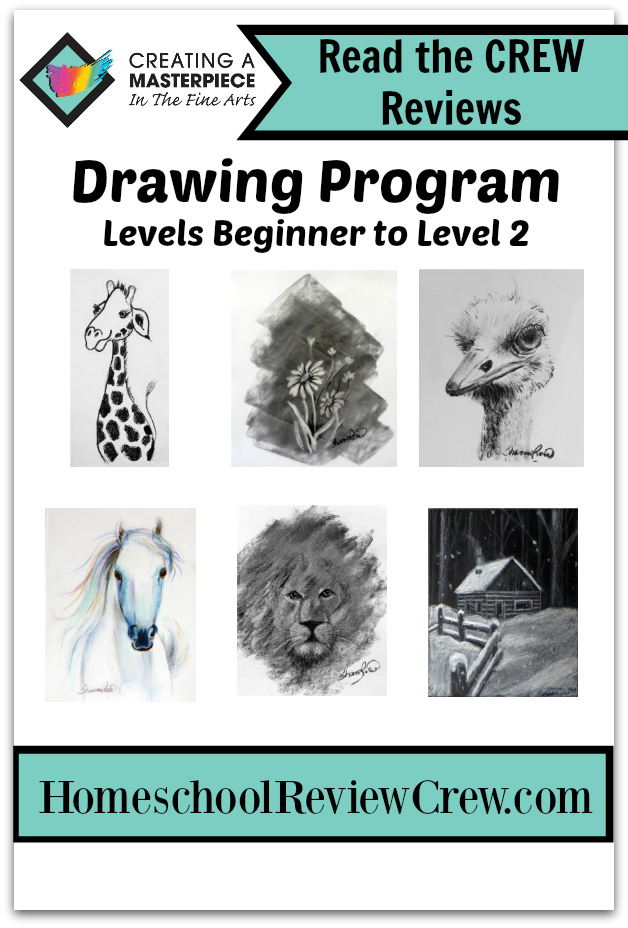
In this program there are 4 levels (Beginning, Level 1, Level 2, and Level 3) with ~ 30 projects that use three media:  pencil, colored pencil and charcoal.  A few of the art skills that are taught are shading, two point perspective, three point perspective, incorporating value and more.  This program was designed specifically by a master artist and teacher, Sharon Hofer, to empower students that love to draw!  Sharon shows students step-by-step how to plan, develop and design projects.  As students advance through the levels they learn more intricacies and techniques that they can implement in their drawings.  

Here are some of the lessons for Beginning Drawing, there are 8 projects.

After looking through the Beginning Drawing projects, A and B decided to start with the Hoot Owl.  They read the description, gathered the needed supplies (we had everything on hand including the 6b drawing pencils), and watched the short video clips that walked them through their drawings.  In this lesson, Sharon recommends using a small piece of drawing paper (quarter sheet of paper) because drawing small is much simpler than drawing large.  A 6b pencil is a darker pencil that is softer than a regular pencil so you get more of your values of lights and darks.  Quality supplies are essential in a fine arts program so it is important that you use the recommend supplies when completing your drawing projects.  

Hoot Owl Project Description

Hoot Owl Lesson Videos

Here you can see the basic progression of the owl.

Here they are with their completed owls.

A close up view of A's owl.

And a close up view of B's owl.

Drawling Level 1 lessons, there are 7 projects

A and B looked through the Drawing Level 1 projects and chose to create the Tuckered Out Turtle.  Again, they read the description, gathered the needed supplies, and watched the short video clips that walked them through their drawing.  Below you see the necessary art supplies for the Tuckered out Turtle drawing:  6b drawing pencil, white drawing paper and a refillable pencil eraser.  For your convenience, there is also a purchase supplies button for those that need to purchase the items needed.

Every project has an art supply list.

A and B with their completed Tuckered Out Turtles.

Close up views of their turtles.

This program is very hands off for me.  The girls can use it independently.  They really like Sharon and think she is a great art teacher.  Her videos are short clips and she does a great job explaining concepts.  I think their drawings are wonderful.

Drawing Level 2 lessons, there are 6 projects

Drawing Level 3 has 6 different projects.  A made The General's Horse - a project with colored pencils!  This project used many unusual colors so it has a touch of fantasy to it.  Sharon guided her through drawing the appropriate shapes and then how to use color to shade the horse so that it has a real appearance.  This was a great project to learn about using colored pencils.

The General's Horse

This project required Prismacolor colored pencils and vellum paper (along with drawing paper, 2b pencil, mechanical eraser and artist tape).

 A watching the lesson videos and working on her horse.

 A with her finished horse!

A close up view of A's horse.

Drawing Level 3 lessons, there are 8 projects

The girls haven't done any of the projects from Drawing Level 3 but I look forward to them getting there.  I actually plan on having more of the kids join them in these fun drawing creations.  Sharon's videos are really fantastic for a broad age range.  A and B really liked that this program was self paced and that they had the ability to pause the videos as they went along.  And I love that students really do create masterpieces!  I definitely recommend this program.

Be sure to click on the banner below to visit the Homeschool Review Crew blog to read more reviews of the online Drawing Program from Creating a Masterpiece.

Learning to Draw {Creating a Masterpiece Reviews}

You can engage with Creating a Masterpiece on social media @:


Crew Disclaimer